Audit Log
Audit Log contains a history of all automated and user-generated actions for the selected Context. Reports of actions, such as user object creation/deletion or automated emails, are a valuable resource when identifying incorrect actions as well as security breaches or data corruption.
Search for an Audit Log
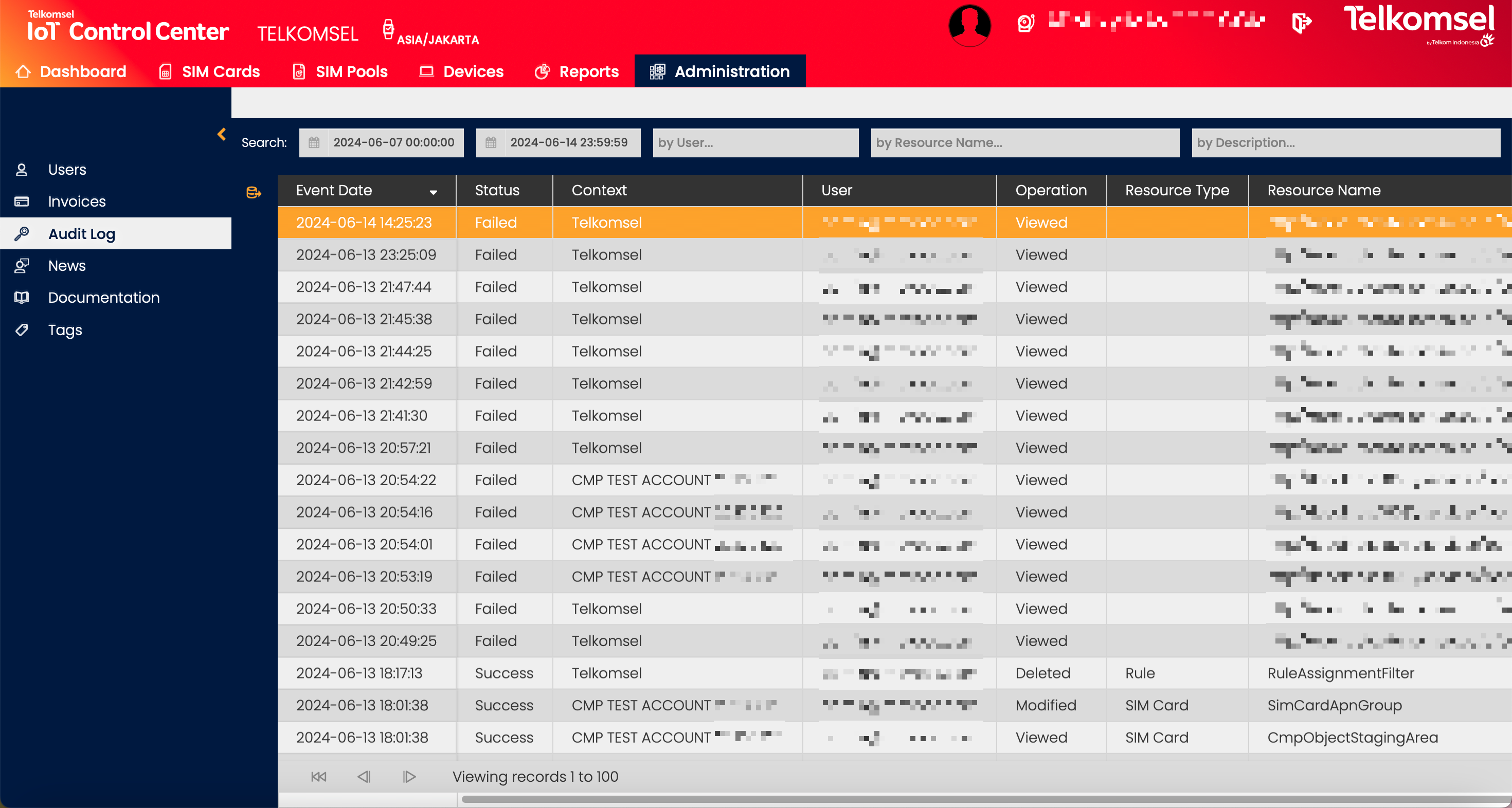
The search option of the Audit Log module allows Users to retrieve a list of Audit Logs by entering text into the Search field. Additional specific search fields are available:
- User
- Resource Name
- Description
Search results may be filtered with the criteria given in the Search bar.
Filters:
- Date Range
- Status
- Operation
- Resource Type
The inserted search and filter criteria can be removed by clicking on the Clear search  icon.
icon.

Export Audit Logs
CMP Audit Logs can be exported for future use. The export option includes all Audit Logs that are currently displayed in the Audit Log grid depending on the filter parameters.
To export Audit Logs:
- If necessary, filter the content of the Audit Log grid.
- Click on the Export
 icon.
icon. - Select the file format (
 CSV or
 XLS) in which the Audit Logs will be exported.
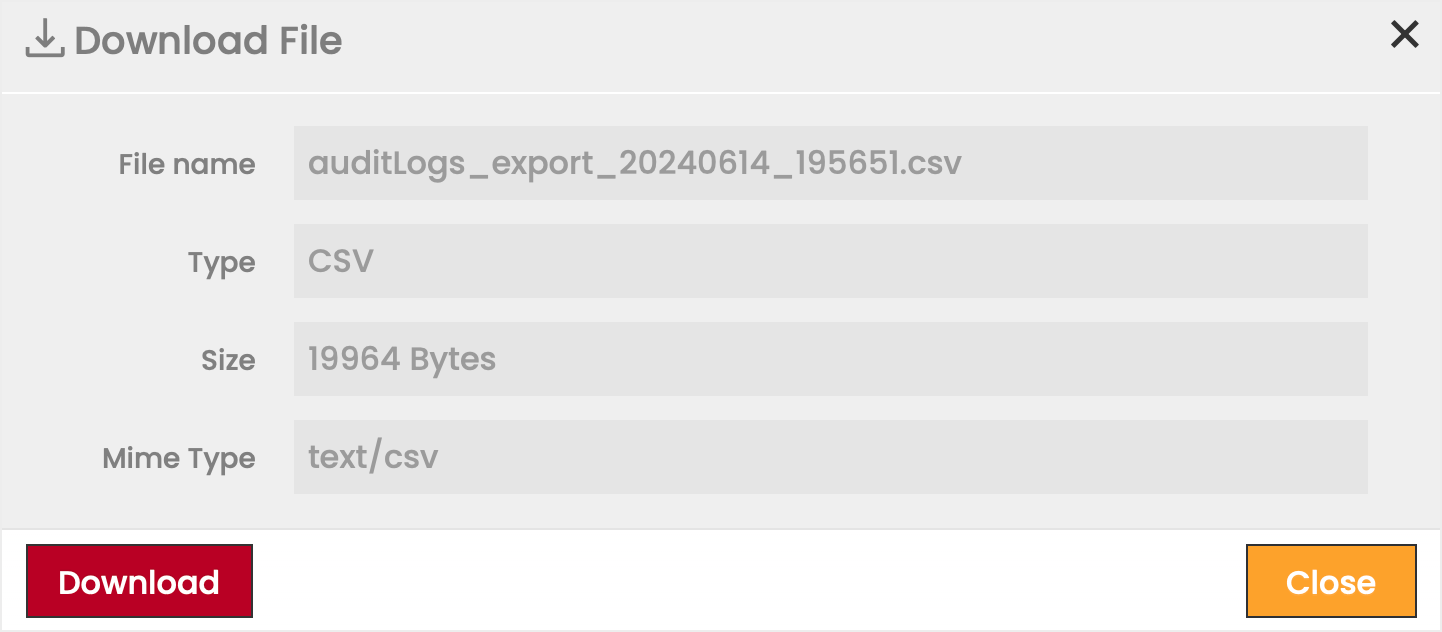
 - Click Download to finalize the process.